






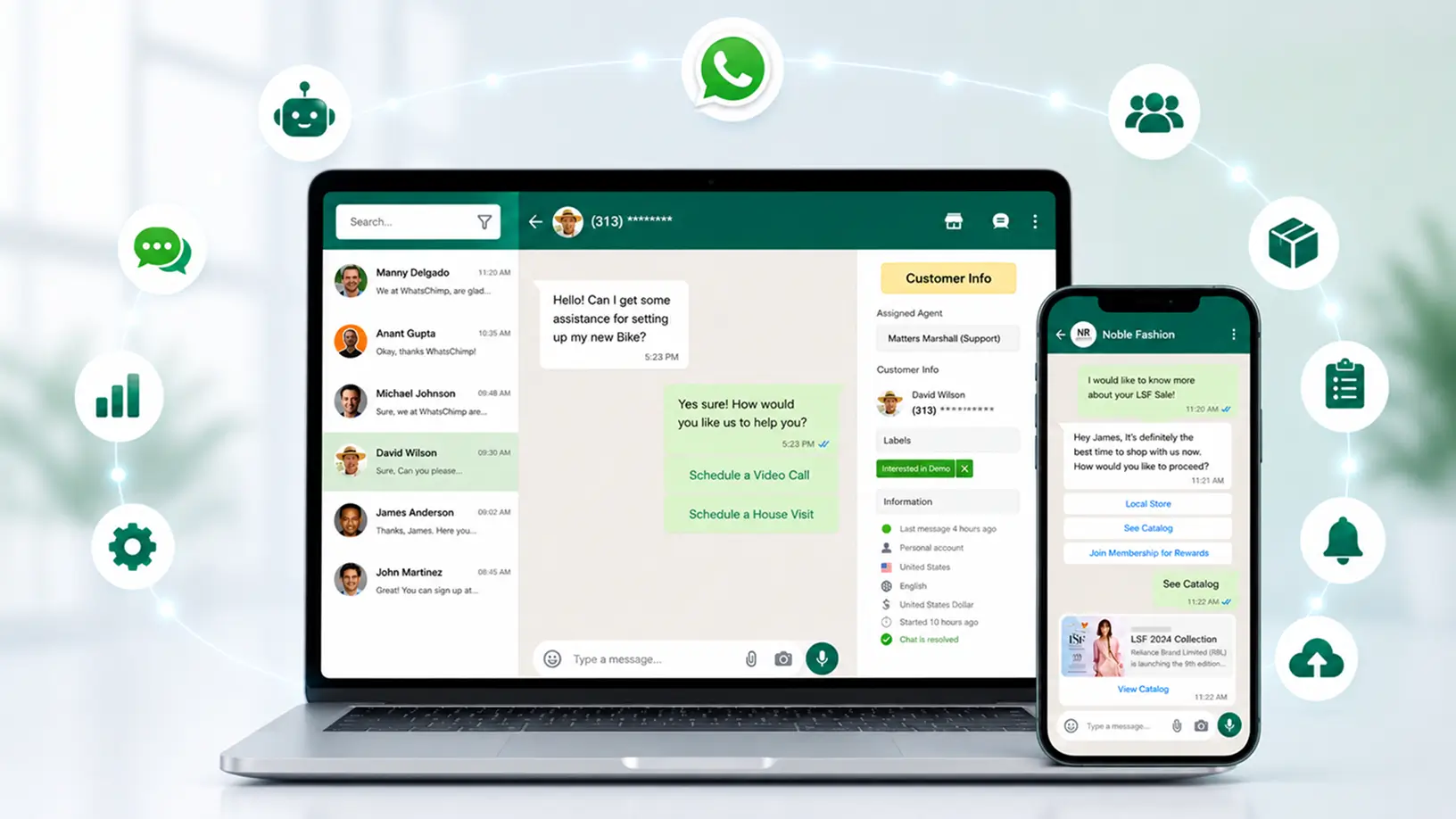
How Alpha Chatbox Integrates with Alpha ERP for Seamless Workflows
Running a business often means juggling multiple systems — your ERP handles inventory, orders, and finances, while customer conversations happen somewhere else entirely, usually scattered across phone calls, emails, and WhatsApp Business API chats. That disconnect creates delays, duplicate data entry, and missed follow-ups.
Alpha Chatbox closes that gap by connecting WhatsApp automation directly to Alpha ERP, turning your customer conversations into part of your core business workflow rather than a separate, manual process.
The Problem with Disconnected Systems
When your WhatsApp Business API communication isn’t linked to your ERP, a few things tend to happen:
- Sales teams manually copy order details from chats into the ERP
- Support agents can’t see a customer’s order history while chatting
- Inventory and delivery updates have to be sent out manually
- Leads collected via WhatsApp sit in a separate spreadsheet instead of your CRM/ERP pipeline
- Add loyalty reminders & O/S Alerts
Each of these adds friction, increases the chance of errors, and slows down response times — at the exact moment customers expect speed. This is exactly the kind of inefficiency WhatsApp automation is designed to eliminate.
What the Integration Actually Does
Alpha Chatbox connects to Alpha ERP so that data flows both ways automatically:
From ERP to WhatsApp
- Automated order confirmations and shipping updates sent the moment a status changes in the ERP
- Inventory or pricing-based auto-replies, so customers get accurate, real-time answers
- Invoice and payment reminders triggered directly from finance records
From WhatsApp to ERP
- New leads captured through chat are automatically logged into the ERP/CRM module
- Customer queries and chat history attached to the relevant customer record
- Orders placed via WhatsApp catalogues sync directly into the order management system
This means your support and sales teams aren’t switching between tabs or re-entering data — everything updates in one place.
Why This Matters for Day-to-Day Operations
1. Faster response times – Agents see order and account details right inside the chat window, without needing to open the ERP separately.
2. Fewer errors – Agents see order and account details right inside the chat window, without needing to open the ERP separately.
3. Better visibility – Sales and operations teams get a single view of customer interactions, from first inquiry to delivery.
4. Scalability – As chat volume grows, automated syncing prevents the backlog that usually comes with manual processes.
A Simple Example
Imagine a customer messages on WhatsApp asking about their order status. With Alpha Chatbox integrated into Alpha ERP:
- The customer’s phone number is matched to their existing ERP record
- Their latest order status is pulled automatically
- An accurate, real-time reply is sent — without an agent needing to manually look anything up
If they then ask to reorder, that request can be logged straight into the ERP as a new order entry, ready for processing.
Getting Started
Setting up involves:
1. Register your Alpha ChatBox Credentials
2. Mapping the relevant data fields (customer records, order status, inventory, etc.)
3. Setting up automated triggers and reply templates based on events
4. Testing the flow with a small set of real conversations before rolling it out fully
Final Thoughts
Whether you’re running Alpha ERP, a third-party CRM, a custom-built tech stack, or just starting to formalize your business systems — treating WhatsApp as a disconnected channel means leaving speed, accuracy, and customer experience on the table.
Alpha Chatbox works with a wide range of business tools and workflows. The goal is simple: make WhatsApp an active part of how your business operates, not an afterthought that someone has to manage manually on the side.
Ready to connect your business communication with your operations? Explore Alpha Chatbox and see how it fits your workflow — whatever that looks like.